
Burrow guessing
Spade Guess reads the Ancestral Spade’s particle trail into a predicted burrow location; Arrow Guess derives a target from the arrow’s direction after you dig. Both are drawn as waypoints in-world.
Fabric · Client-side · Apache-2.0
A Kotlin/Fabric mod for Hypixel SkyBlock built around the Diana / Mythological Ritual event — burrow guessing and detection, warp management, loot and stat tracking, and a custom Diana party finder.
Download & install See every feature
Beta software. SBO is still pre-1.0 — it began life as public beta builds and the newest release at the time of writing is 0.5.2 (24 August 2026). Expect rapid changes, occasional breakage after Hypixel or Minecraft updates, and settings that move between versions.
Skyblock Overhaul — almost always shortened to SBO — is a client-side Minecraft mod for the Fabric loader, written in Kotlin and published under the Apache 2.0 licence. Its own one-line description reads: “a Mod for the Mythological Ritual event in Hypixel SkyBlock and custom partyfinder.”
Nearly everything it does serves one loop: find burrows faster, get to them faster, know exactly what you got out of them, and keep a competent party together while you do it. It is not a general-purpose SkyBlock overhaul and it does not try to replace a full QoL suite.
It grew out of an earlier ChatTriggers module for Minecraft 1.8.9 (now archived) and was rewritten as a Fabric/Kotlin mod for modern versions. The full feature breakdown lists what is in the current build.
Not for you if: you play Bedrock, you play on a version older than 1.21.5, you use Forge or NeoForge, or you want a mod that plays the event for you. SBO draws information; you still dig.
Nine things people install SBO for. Every item here is drawn from the mod’s own README and Modrinth listing — see Features for the complete list.
Spade Guess reads the Ancestral Spade’s particle trail into a predicted burrow location; Arrow Guess derives a target from the arrow’s direction after you dig. Both are drawn as waypoints in-world.
Close Burrow Detection finds nearby burrows and auto-types them as Start, Mob or Treasure, so you know whether you’re about to fight or to loot before the block breaks.
Optional beacon beams mark waypoints from a distance, with colour, opacity, text scale and cutoff-distance settings per waypoint type, plus titles when a chain ends or a guess fails.
Add warps — Wizard, Dark Auction, Castle, Stonks — and SBO picks the one that actually saves distance, with a “don’t warp if the burrow is close” guard, block-difference threshold, optional Y-level ignore and a bad-warp distance limit.
Mob tracker, loot tracker, stats tracker (kills since Inquisitor and friends), magic find tracker, past-event history and an AFK timeout so idle time doesn’t poison your session numbers.
Chat and on-screen announcers for rare drops, an optional price title, and a party announcer that posts your Chimera, Manti-Core, Fateful Stinger, Brain Food, Shimmering Wool, Relic and Daedalus Stick drops for you.
Share and receive rare-mob coordinates with your party, highlight rare mobs, get spawn messages for Inquisitor, Manticore, Sphinx and King Minos, HP alerts, a no-shuriken overlay and a Sphinx riddle solver.
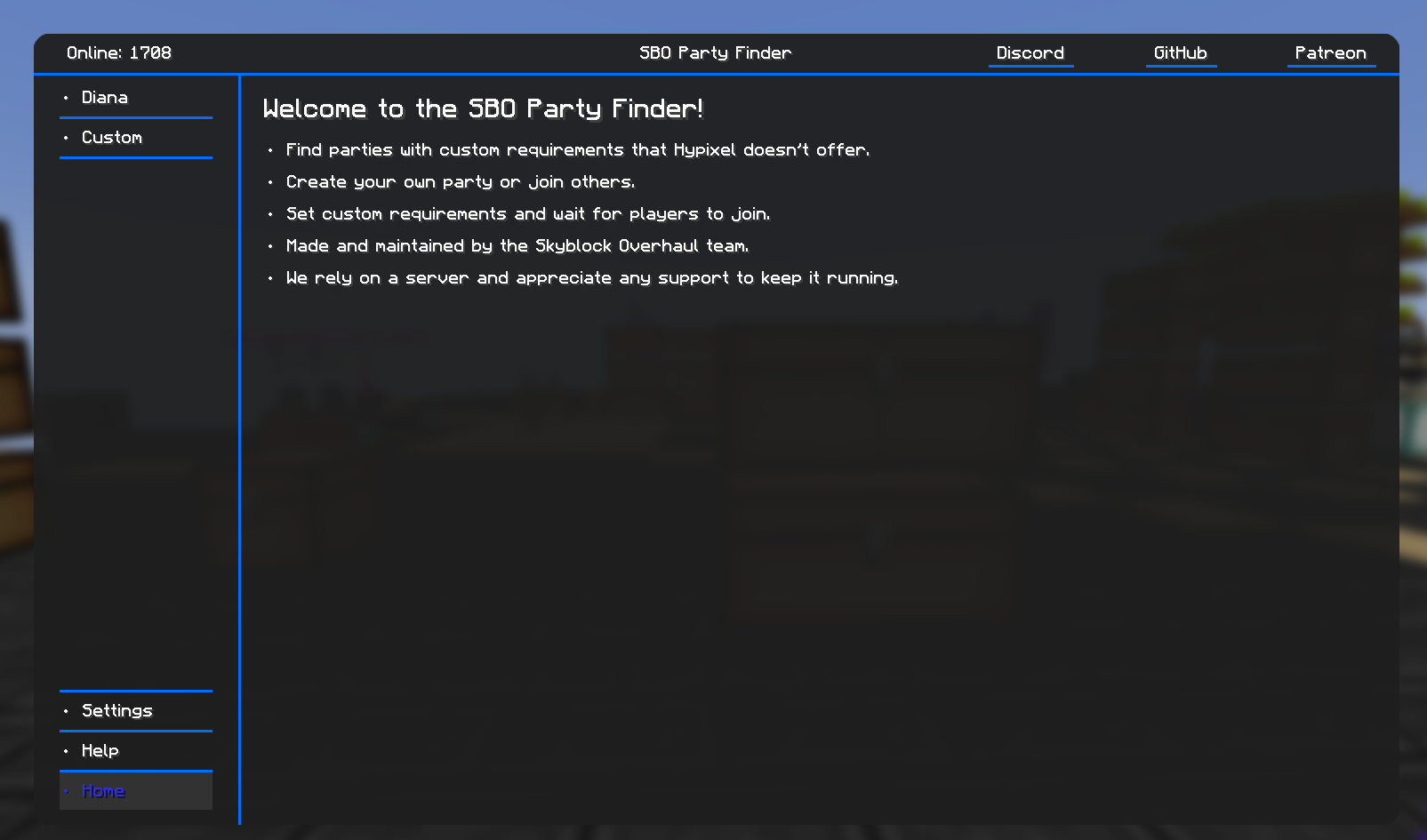
SBOPF is the in-game Diana party finder: post or join a party, auto-invite players who meet your requirements, auto-requeue when someone leaves, and drive it all from /sbopf.
An in-game achievement browser (/sboachievements) with repeatable achievements and a rarity ladder, plus per-mayor and lifetime stats carried across versions.
Official screenshots from the SkyblockOverhaul team, alongside one diagram of our own explaining the guess geometry. Your actual HUD depends on your settings and can be rearranged with /sboguis.
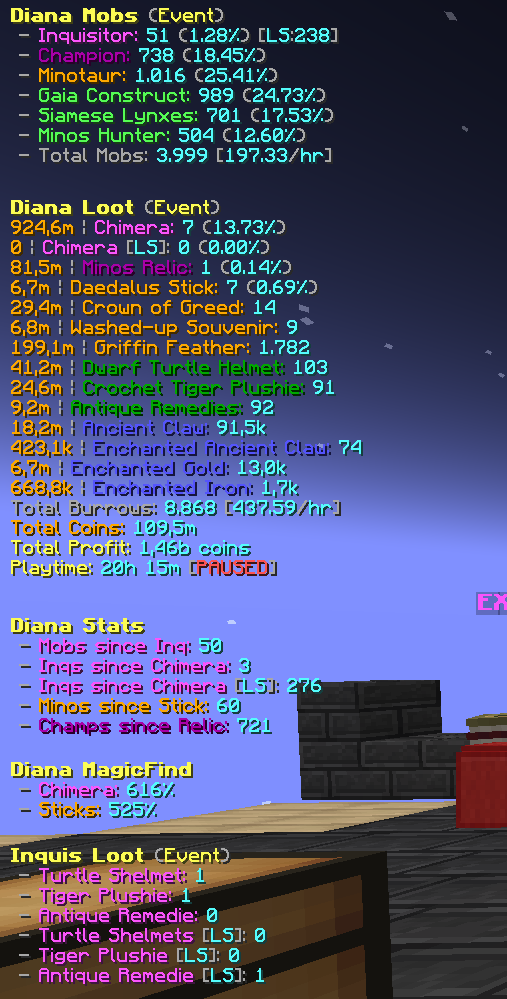
/sboguis.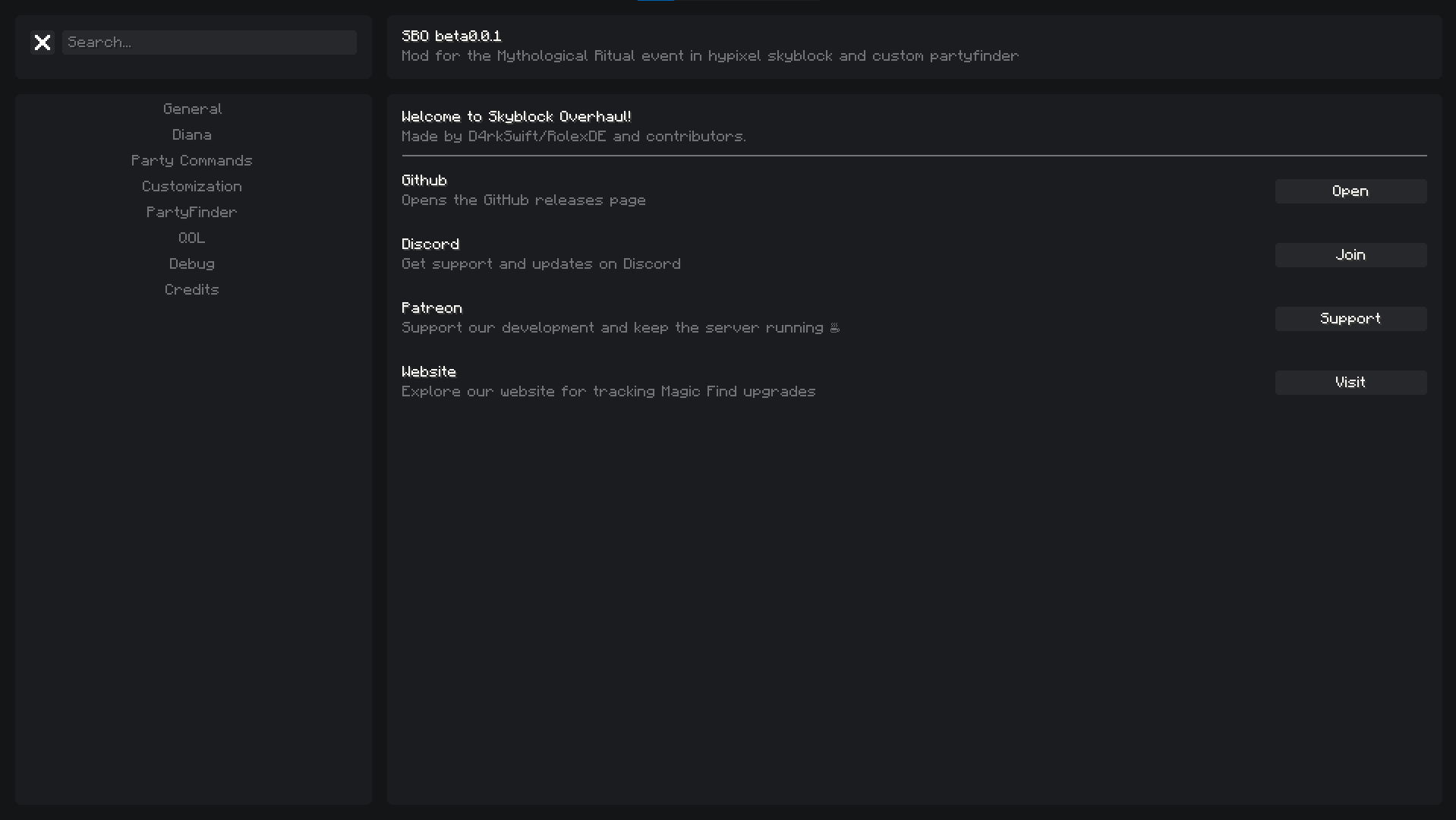
/sbo, or through Mod Menu.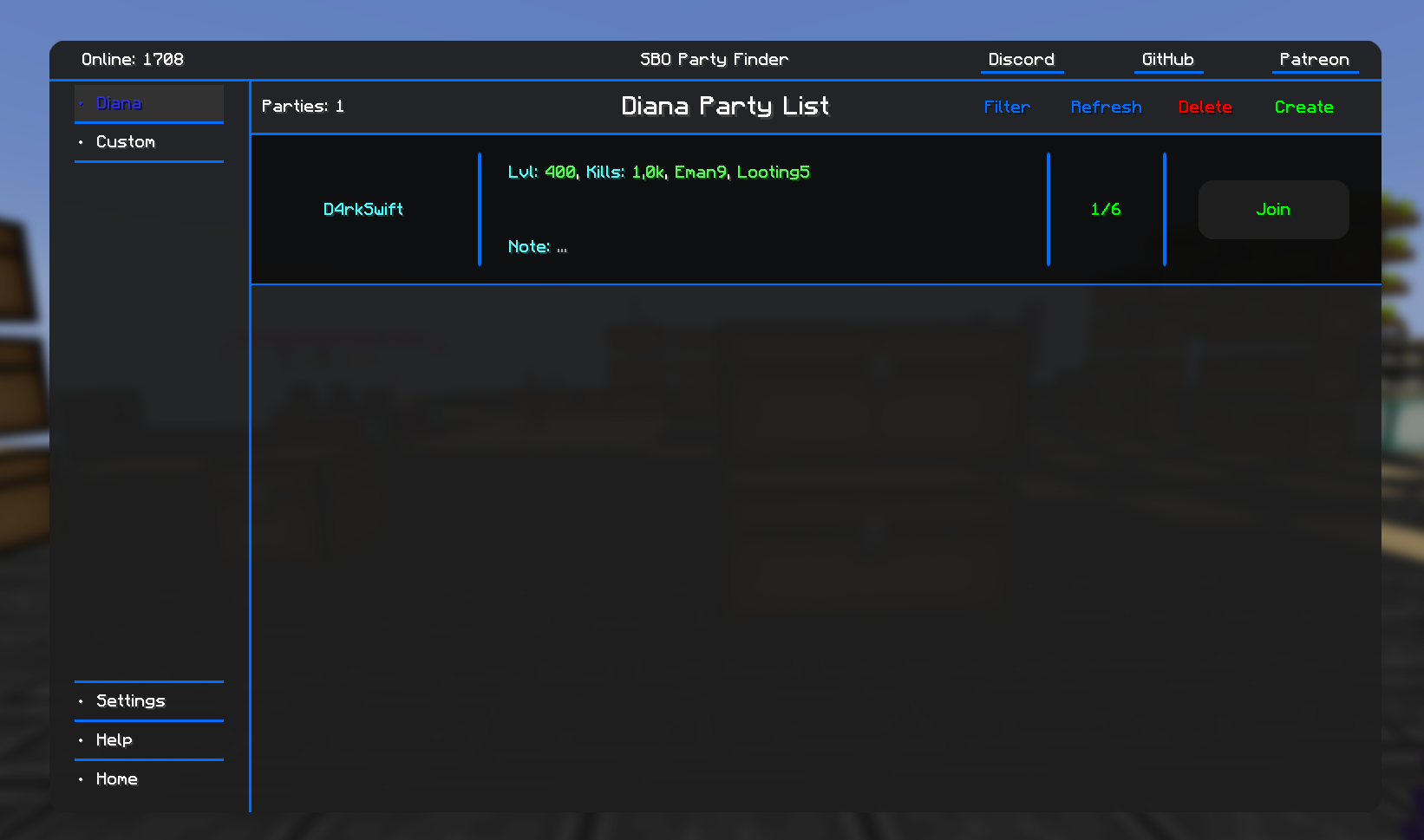
/sbopf.
Screenshots © the SkyblockOverhaul team, reproduced from the mod’s own official Modrinth gallery. They show the mod, not this site.
Exact version pairings are listed on the download page. Always match the SBO build to the Minecraft version you launch.
The three questions that come up most. The full FAQ covers mod conflicts, settings, versions and licensing.
Download the current release JAR straight from our mirror, or go to the developers’ own Modrinth page for the newest build.